Logo Smart Team header

CRM and Tools Integration

Strategy, technology and execution with a B2B vision

CRM and Tools Integration

Strategy, technology and execution with a B2B vision

CRM and Tools Integration2026-10-19T19:15:39+00:00
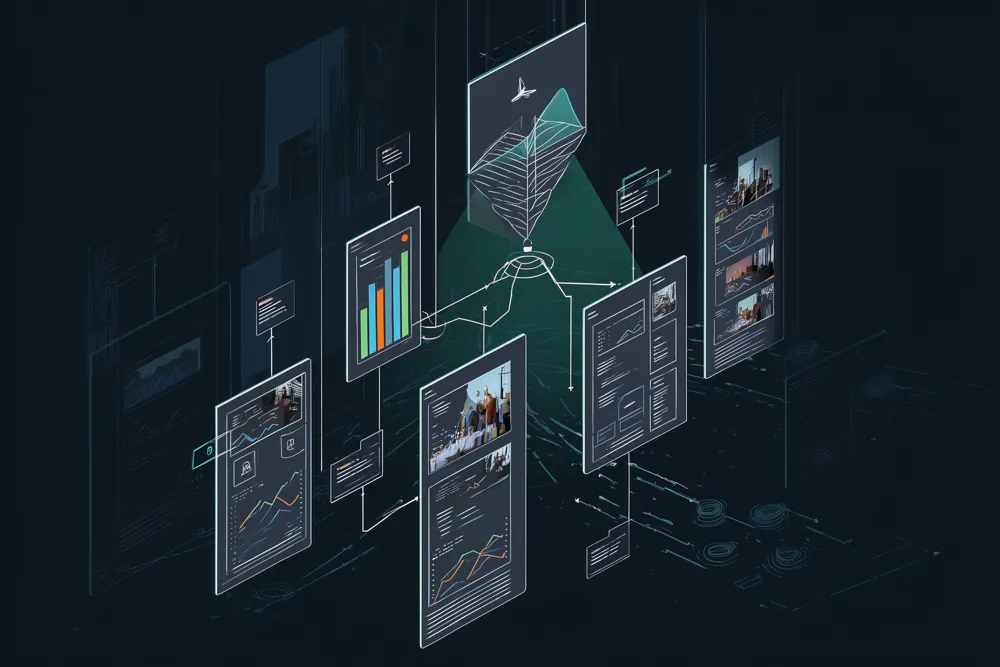
Editorial illustration: CRM and tools integration

Email marketing · CRM and tools integration

When email and the CRM don’t talk to each other

  • To send a campaign you have to export a spreadsheet from the CRM every time.
  • Unsubscribes in the email tool never reach the CRM.
  • Salespeople can’t see which emails their customer has opened.
  • Website forms don’t reach the mailing list.
  • Contacts are up to date in one place and out of date in the other.
  • Nobody knows which campaign led to an opportunity.

One single
contact list
for everyone.

Email works better when marketing and sales see the same thing. We connect your email tool with the CRM and the website: contacts and unsubscribes sync automatically, salespeople see what their customer has read, and every opportunity is linked to the campaign that started it. If the problem is the CRM itself, we solve it in CRM Integration under B2B Sales.

01

Review tools and data

We look at which email tool, CRM and forms you use and what data needs to flow between them.

02

Connect and sync

We set up the integration: contacts, segments, unsubscribes, opens and clicks in both directions.

03

Test and document

We test real cases, document how it works and train the team.

What we connect

Tools that share the same data.
Synced contacts

Synced contacts

New contacts, changes and unsubscribes update automatically between the CRM and the email tool.

Website forms

Website forms

Every website contact enters the CRM and the right list with their consent.

Activity visible to sales

Activity visible to sales

Opens, clicks and replies on the customer record in the CRM.

Segments from the CRM

Segments from the CRM

Mailing lists built from CRM data, with no spreadsheet exports.

Source of every opportunity

Source of every opportunity

Which campaign or flow generated each opportunity and each order.

Unsubscribes and GDPR

Unsubscribes and GDPR

Unsubscribes and permissions are respected across all tools at once.

Is it essential to have a CRM to integrate with email marketing?2026-06-26T14:27:08+00:00

It’s not essential to get started, but it’s highly recommended for B2B. Without a CRM, sales follow-up on leads generated by email relies on manual processes that become inefficient as the volume of contacts grows. Integration between the two systems is what transforms email marketing into a true sales tool.

Which CRMs and email platforms do they work with?2026-06-26T14:27:37+00:00

We work with the leading tools on the market: HubSpot, Salesforce, Pipedrive, ActiveCampaign, Mailchimp, Brevo, and similar platforms. The choice of tools depends on the business needs, budget, and required level of complexity.

What happens if we already have tools configured but they are not properly connected?2026-06-26T14:27:54+00:00

This is the most common scenario. In that case, we start with an audit of the current stack to identify disconnections, duplications, and incorrect data flows, and from there we design the integration that the business actually needs.

How long does it take to implement a CRM and email marketing integration?2026-06-26T14:28:11+00:00

A basic integration between two platforms using native connectors can be operational in one or two weeks. More complex integrations, with multiple tools, conditional logic, or custom connector development, require more design and testing time.

Does the integration require technical knowledge from the team?2026-06-26T14:28:33+00:00

The initial configuration requires technical expertise, but once implemented and documented, daily operation should not require technical intervention. Part of the integration work is ensuring that the team can operate the stack autonomously.

What specific data can be synchronized between the CRM and the email platform?2026-06-26T14:28:52+00:00

The most common data includes: contact and company information, sales pipeline status, email interaction history, lead score, segmentation lists, and activity alerts. Specific synchronization depends on the platforms used and the business objectives.

What changes when email is connected to the CRM

Marketing and sales work with the same contacts and the same information.
  • No more manual exports.
  • Unsubscribes are respected everywhere.
  • Salespeople start the call knowing what the customer has read.
  • Every order can be attributed to its campaign.
  • Contact data always up to date.
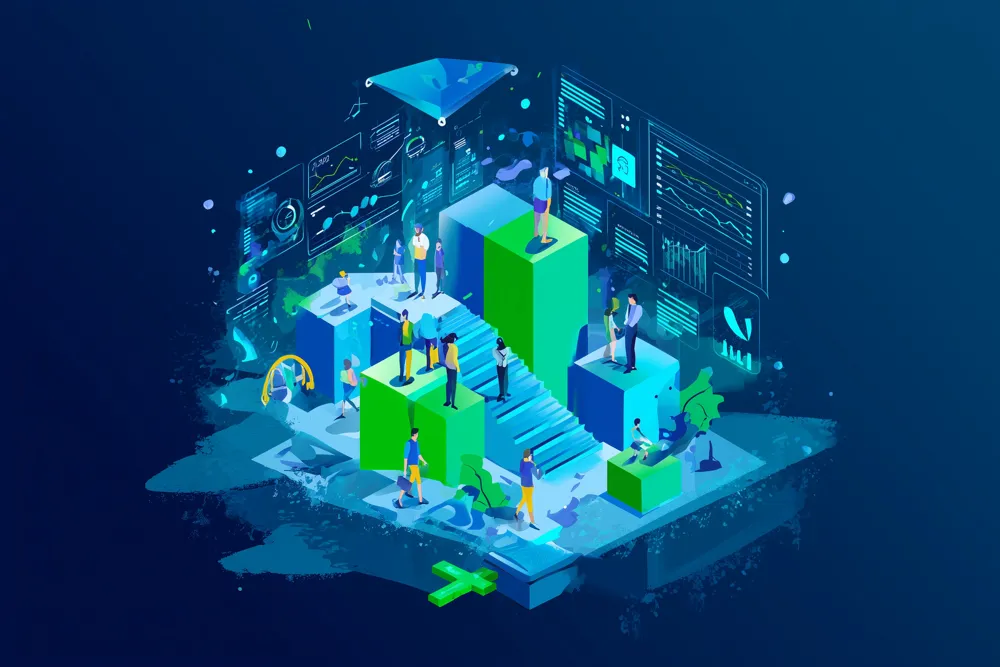
Illustration of the team at work
Go to Top