Logo Smart Team header

CRM Integration

Strategy, technology and execution with a B2B vision

CRM Integration

Strategy, technology and execution with a B2B vision

CRM Integration2026-10-19T18:26:07+00:00
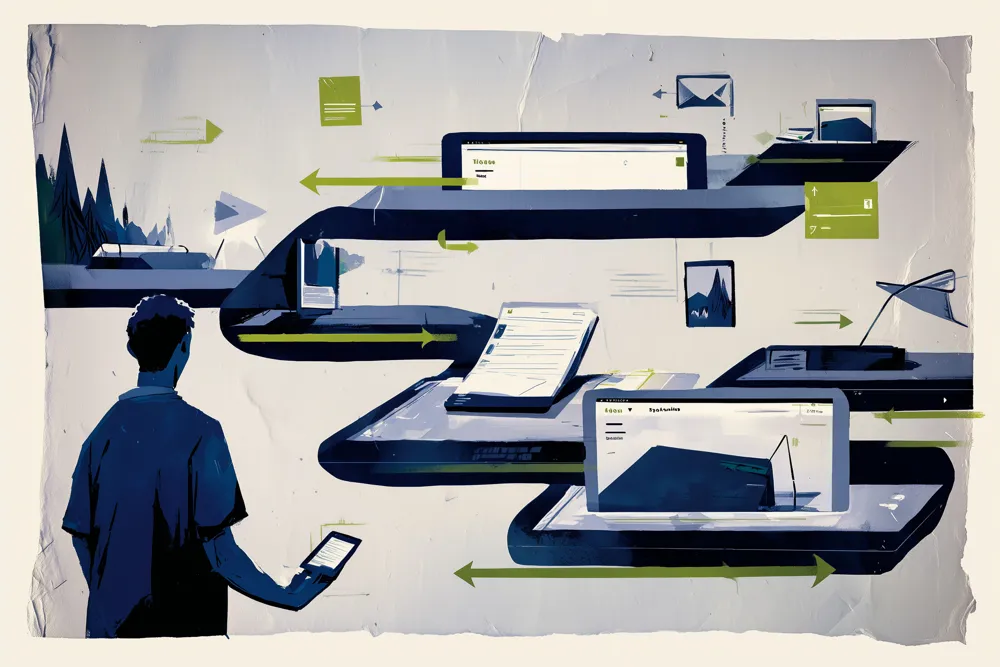
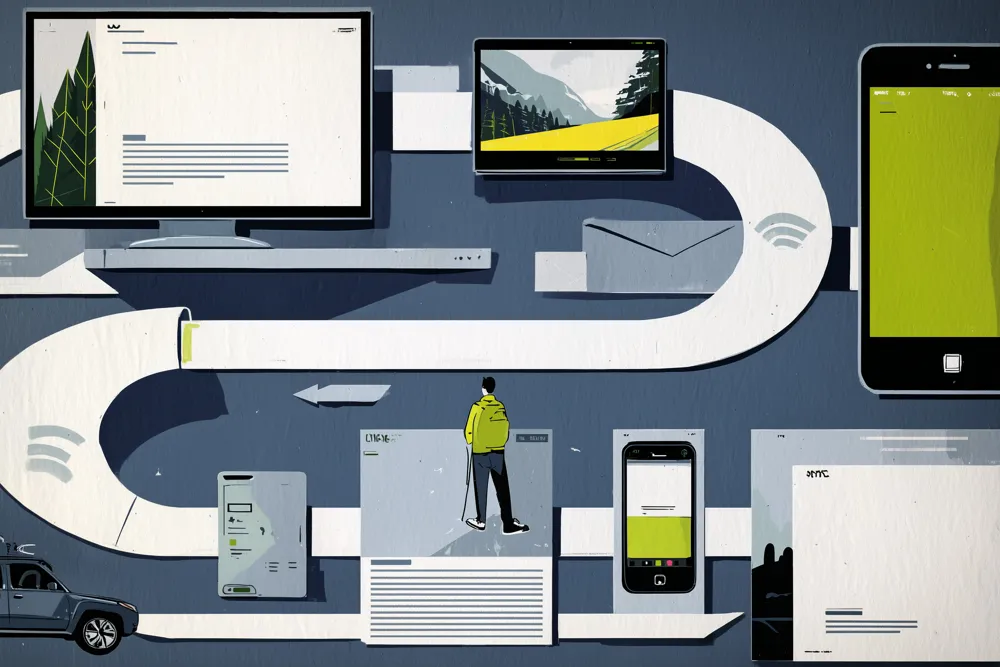
Illustration of a path connecting screens and devices, like a CRM that brings every channel together

B2B Sales · CRM Integration

When your contacts live in five different places

  • Quote requests land in someone’s inbox and get forwarded by hand.
  • Contacts from each trade fair stay in a spreadsheet nobody opens again.
  • Each sales rep keeps their customers in their own diary and the rest of the team can’t see them.
  • The ERP knows what has been invoiced, but not which opportunities are open.
  • You have a CRM, but the reps out on the road don’t update it.
  • Management asks how much is in the pipeline and the answer takes a week.

A sales process
that doesn’t depend
on anyone’s memory.

In an industrial company, an opportunity takes months to become an order: request, visit, technical quote, samples, negotiation with purchasing. We set up the CRM so all of that lives in one place, connected to your website, email and, if needed, your ERP.

01

Map of your current process

We follow the real path of a request: where it comes in, who handles it, when it gets quoted and where it goes cold.

02

A CRM built around how you sell

We define your stages (request, visit, technical quote, negotiation, order), the fields that matter and the connections to your website, email and ERP.

03

Rollout with your team

We migrate your data, train your sales reps —including those on the road— and set simple usage rules so the CRM doesn’t get abandoned.

What we leave up and running

A CRM your sales team actually uses, not just another piece of software.
Your sales stages

Your sales stages

A pipeline with the real stages of an industrial sale, from quote request to order, so you can see where each opportunity stands.

Requests that come in on their own

Requests that come in on their own

Website forms, quote emails and trade-fair contacts reach the CRM with their source, with no manual copying.

Connected to your ERP

Connected to your ERP

Customers, orders and invoicing in sync, so reps see the full history before every visit.

The CRM on the road too

The CRM on the road too

Mobile access to log visits and next steps on the spot, without waiting to get back to the office.

Reminders and follow-ups

Reminders and follow-ups

Reminders for pending quotes and automatic tasks so no quote goes unanswered.

Your pipeline at a glance

Your pipeline at a glance

A dashboard with open opportunities, their value and stage, so management doesn’t have to ask for a spreadsheet.

Does the integration include team training?2026-10-13T20:09:35+00:00

Yes. We train the sales and marketing team in day-to-day CRM use and set clear rules to keep data up to date. If you want to document your whole sales process, we can complement it with a sales playbook.

How long does the integration take?2026-10-13T20:09:33+00:00

It depends on the number of tools and the state of your data. After the initial review we give you a plan with phases and specific timings, so you know when each part will be up and running.

What happens to the data we already have in spreadsheets?2026-10-13T20:09:31+00:00

We review it, remove duplicates, standardise the fields and import it into the CRM so the team starts working with a clean database.

Which tools can be connected to the CRM?2026-10-13T20:09:29+00:00

Typically your website and its forms, email marketing, LinkedIn, your meeting calendar and, if needed, your ERP or invoicing. Before we start, we review which integrations add value and which don’t.

Do we have to switch CRM to integrate it?2026-10-13T20:09:27+00:00

Not necessarily. In many cases it’s enough to tidy up the one you have and connect it properly to your website and other tools. We only recommend switching when your current CRM can’t cover what the business needs.

Do you work with a specific CRM?2026-10-13T20:09:25+00:00

We work with the CRMs most common in B2B companies, such as HubSpot, Pipedrive, Zoho and Salesforce. If you already have one, we start from it; if not, we help you choose the one that best fits your team and budget.

What changes when your CRM is properly set up

You go from chasing data in spreadsheets to a sales system your team actually uses.
  • No quote request goes unanswered.
  • Every rep sees the customer’s history before visiting.
  • You know which trade fair, campaign or distributor each opportunity comes from.
  • Management knows the open pipeline without asking for reports.
  • If a sales rep leaves, their customers stay with the company.
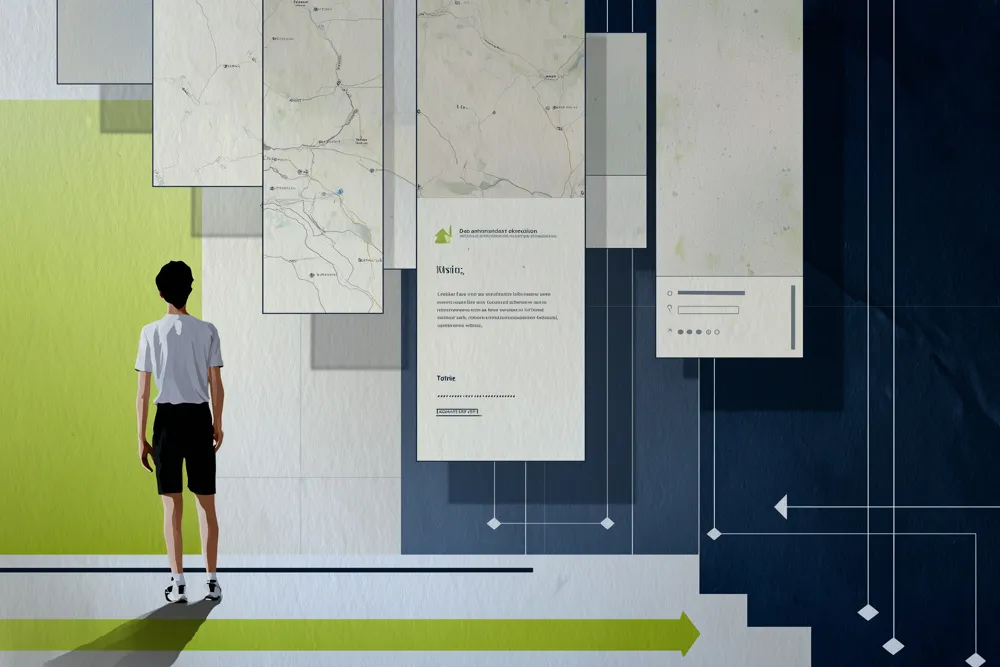
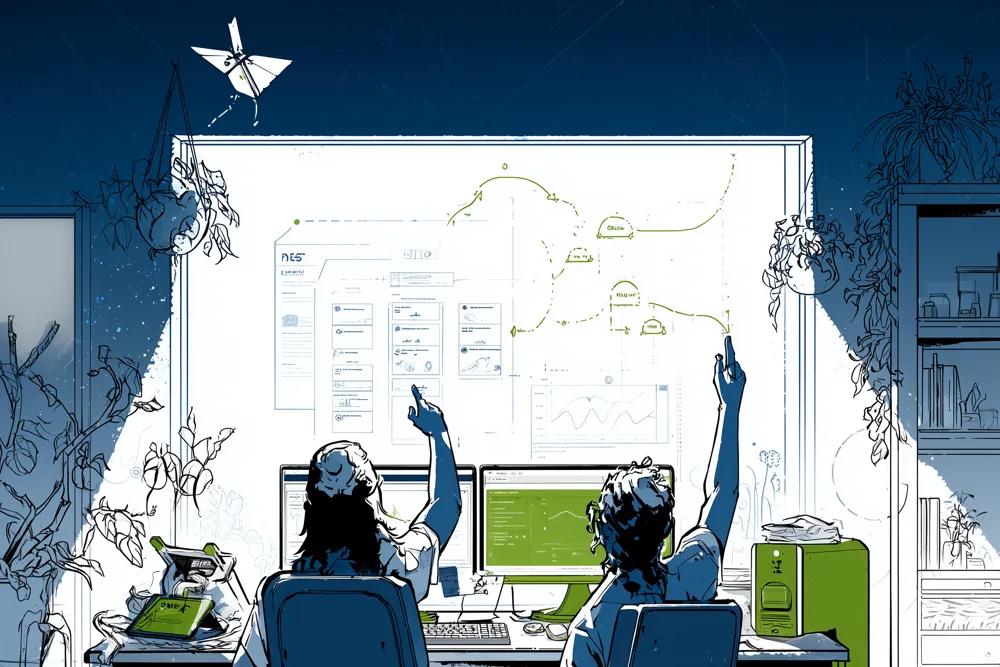
Sales team working with the CRM
Go to Top