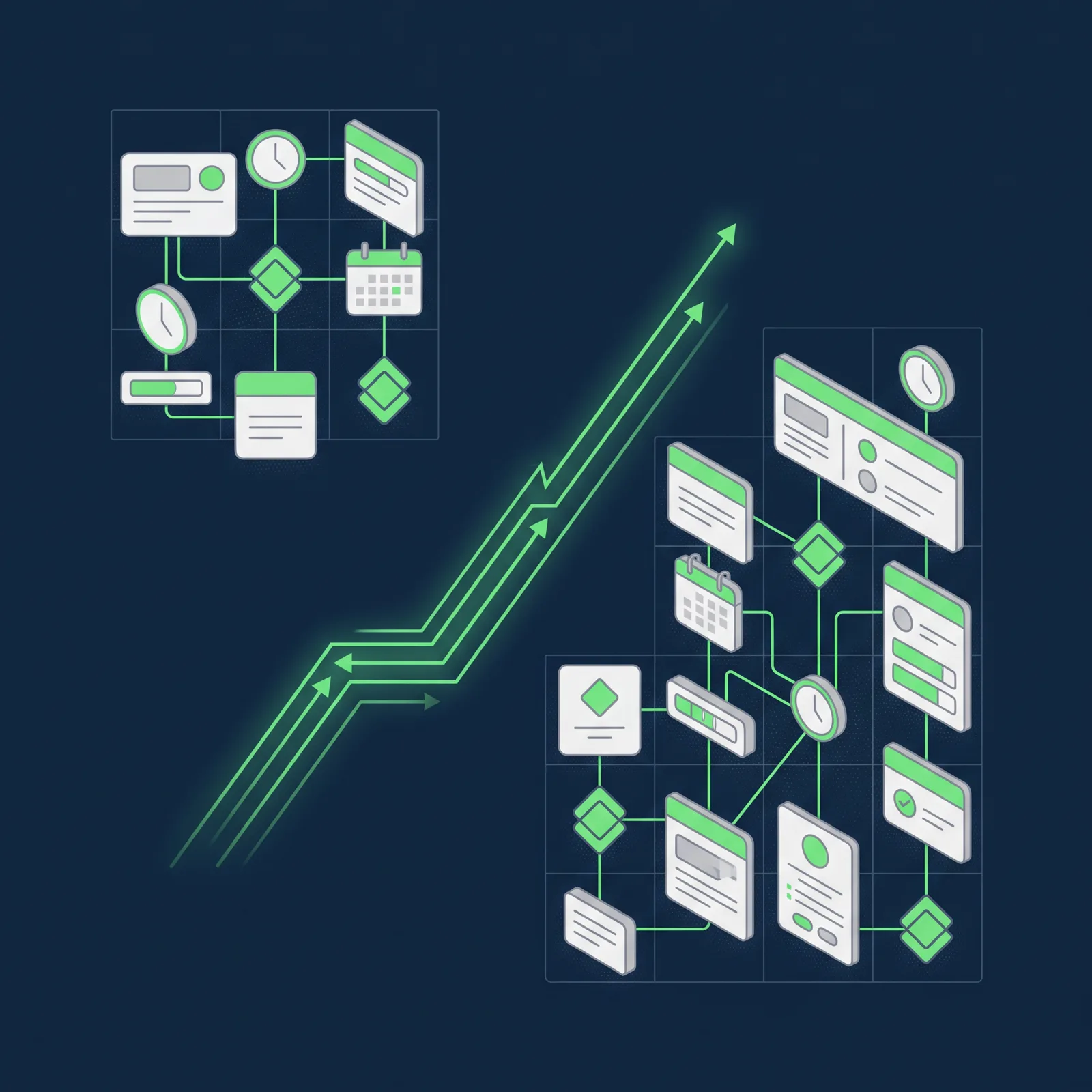
When we started using Flowlu, there were five of us at Smart Team. Today, there are ten. During that time, the number of projects, specialisms and connections between departments that we need to coordinate has also grown. What we used to manage with spreadsheets, conversations or emails began to call for a shared structure.
Throughout this process, Flowlu has helped us turn clients, projects and services into visible work, with clear owners, dates, stages and logged hours. Our experience highlights a lesson that applies to any expanding team: a management tool adds value when it stops being just another application and becomes part of everyday working practice. To achieve this, it helps to identify the problem clearly, start with a specific need and build from there.
What is Flowlu and what features does it offer?
Flowlu is a business management platform that brings together CRM, projects, tasks, time tracking, collaboration, automation and financial features. Its approach connects sales activity with the delivery of work: from the first contact with a prospective client through to project delivery and financial monitoring.
It is therefore more than a simple task management app. Flowlu brings together several areas of management:
- CRM and sales funnels: organise companies, contacts, opportunities, activities and communication history. A won opportunity can become a project while retaining its sales context.
- Projects: bring together tasks, owners, milestones, deadlines, files and dependencies. The platform includes views such as lists, Kanban boards and Gantt charts.
- Tasks: define owners, subtasks, priorities, dates and statuses, while also showing progress and time spent.
- Time tracking: links logged hours to the relevant tasks and projects, making it possible to compare planned and actual work.
- Collaboration and knowledge: centralises comments, files, notifications and documentation so that information stays connected to its context.
- Automation: creates rules to assign tasks, update statuses, send notifications or launch processes when specific conditions are met.
- Finance: includes invoices, expenses and financial tracking linked to projects.
Having all these features available does not mean implementing them at the same time. At Smart Team, we started with the CRM and later extended our use to projects, the sales funnel and tasks. Focusing on real needs was key to integrating the platform into our operations without adding an unnecessary layer of complexity.
When spreadsheets and emails were no longer enough
During Smart Team’s first few months, we coordinated our work through spreadsheets in SharePoint, chats and emails. We were a small team, and that combination allowed us to keep moving forward. However, as the workload increased, so did the effort needed to understand what was happening.
That was the starting point Daniel Mallén described in the Smart Team case study published by Flowlu, which was prepared six months after the agency launched. The challenge was not simply to replace spreadsheets. We needed to connect sales activity with delivery and establish a structure that could grow with us as we added people and projects.
The lesson from that stage is straightforward: general-purpose tools may work at first, but growth changes what a business needs. When keeping track of work depends too heavily on memory or individual conversations, centralising information stops being a matter of convenience and becomes an operational necessity.
Why we chose Flowlu
Choosing a management tool should begin not with an endless list of features, but with the problems it needs to solve. Daniel was already familiar with Productive and Holded and was looking for a less complex solution that fitted the budget and brought together three connected areas: CRM, projects and tasks.
We discovered Flowlu through a recommendation from a language model. That reference prompted an evaluation process, not an automatic decision. We assessed whether the platform suited our operations and whether we could introduce it gradually, without overhauling our entire way of working overnight.
We did not try to activate invoicing, automation or advanced reporting from the outset, either. They were not priorities at that point. Instead, we focused on the features that could immediately improve how we worked. Choosing what not to implement yet was just as important as deciding what to use.
Starting with the CRM and expanding from there
The CRM was our entry point. We began with a clearly defined use case to see whether Flowlu could help us organise client communications and opportunity follow-up. Once we had validated that initial value, we added the sales funnel, followed by projects and tasks. Within a few weeks, the whole team was using the platform.
Gradual adoption made the transition easier. Rather than presenting Flowlu as a complete system we had to learn all at once, we linked it to familiar problems: first, organising opportunities; then, turning agreed work into projects and tasks we could track.
This sequence also connected sales activity with operations. As we explain in our article on CRM for SMEs and lead conversion, a CRM is more than a database: it centralises interactions, assigns owners, schedules follow-ups and visualises the sales funnel. In our case, Flowlu helped us bring that information into day-to-day work: the CRM retains the context of the relationship, the project turns it into actions, and the tasks specify what needs to be done, by whom and when.
How we work with Flowlu today
Our everyday use of the platform revolves around projects, tasks and shared principles. Rather than fitting each service into a different system, we use a common structure that makes it possible to understand the status of the work and act when a blocker arises.
The anatomy of a task
Each task has three basic elements: an owner, a date and a stage. The owner removes ambiguity about who is responsible for moving the work forward. The date places the task within a schedule. The stage indicates whether it is pending, in progress, experiencing a problem or awaiting approval.
The value lies in consistency: when every department uses the same principles, it becomes easier to understand a project’s status. Flowlu allows tasks to be viewed by project, owner, priority, due date and status, alongside the time spent on them.
Statuses and observers for coordination
We review statuses daily to understand progress and prioritise actions. A task with a problem calls for intervention; one awaiting approval shows that work cannot continue without sign-off. Statuses are not decorative labels, but signals that guide decisions.
We also use the observer role. Not everyone who needs to follow a project’s progress has to carry out a task. An observer can maintain visibility without taking on direct responsibility. This helps us coordinate departments and oversee deliverables without multiplying meetings and messages.
A content plan as an example
A monthly content plan shows how this approach works in practice. First, we organise the calendar. Then we turn each piece of content into a task, assign owners and dates, and track it through production, review and approval.
Within this structure, Flowlu coordinates the production process: writing, design and review move forward in a shared environment, and the team can see which pieces are pending, which are being prepared and which need approval.
The system’s value is not in accumulating tasks, but in representing a real process clearly. When each person knows what to do, what information they need and who approves the next step, follow-up no longer depends on scattered reminders.
Measuring what we do and the effort it takes
Completing a task confirms that the work has been done, but it does not explain how much effort it required. That is why we log hours in Flowlu by department. Time adds a layer of information that a list of completed tasks cannot provide.
These records help us see where the workload is concentrated, compare planned and actual work, and identify processes that take more time than expected. Flowlu links time to tasks and projects, so the team can review both progress and effort.
Two projects may have a similar number of tasks but require very different levels of effort. Without information on hours, that difference can remain hidden. Tracking time is not just about oversight: it also helps us understand our operations and make better-informed decisions.
From five people to ten
The original case study described Smart Team as a five-person team. Today, there are ten of us, working from Barcelona, Madrid, La Plata and Buenos Aires. As the team has doubled, connections between departments have increased, along with the need to make important information visible to everyone involved.
The system retains a clear logic: projects bring together the context; tasks assign responsibilities and dates; statuses show progress; and logged hours help explain the effort involved. As the team grows, these shared principles reduce reliance on individual explanations and provide a common reference for coordinating work.
This journey has taught us that scaling is not just about bringing in more people. It also means preventing knowledge from remaining in isolated conversations, keeping responsibilities clear and coordinating the team without increasing manual oversight at the same rate.
When a tool becomes a way of working
This evolution has also helped us understand the difference between adopting a tool and genuinely transforming how we work. As we explore in our article on CRM software and digital transformation, digitalising a business involves more than replacing manual processes with applications. It requires connecting technology, processes and data to improve collaboration, reduce information fragmentation and make better-informed decisions.
We have put this principle into practice step by step. The platform provides a structure, but the value emerges when the team shares principles, keeps information up to date and uses it to intervene at the right moment.
The key lesson is that a management tool adds value when the team stops seeing it as another place to update. The information must help people make decisions, identify blockers and coordinate everyday work. If updating a task changes nothing, the system eventually loses relevance.
Growing from five people to ten has shown us that a simple structure can support more complex operations when used consistently. Flowlu provides that common foundation, but shared principles and the team’s commitment are what turn it into a useful working practice.
Technology does not replace our curiosity, our understanding of the client’s business or the responsibility of the people involved in each project. What it can do is translate those values into operations that are more visible, more organised and better prepared for continued growth.

Marketing Specialist con más de 7 años de experiencia en marketing digital, comunicación y estrategia de contenidos. Especializada en la creación y adaptación de contenidos para fortalecer el posicionamiento de marca, conectar con audiencias relevantes y acompañar los objetivos de negocio.